A dog walking or dog sitting booking calendar you can use anywhere

Save hours answering emails and text messages asking “when do you have space?” Simply send them your booking link.
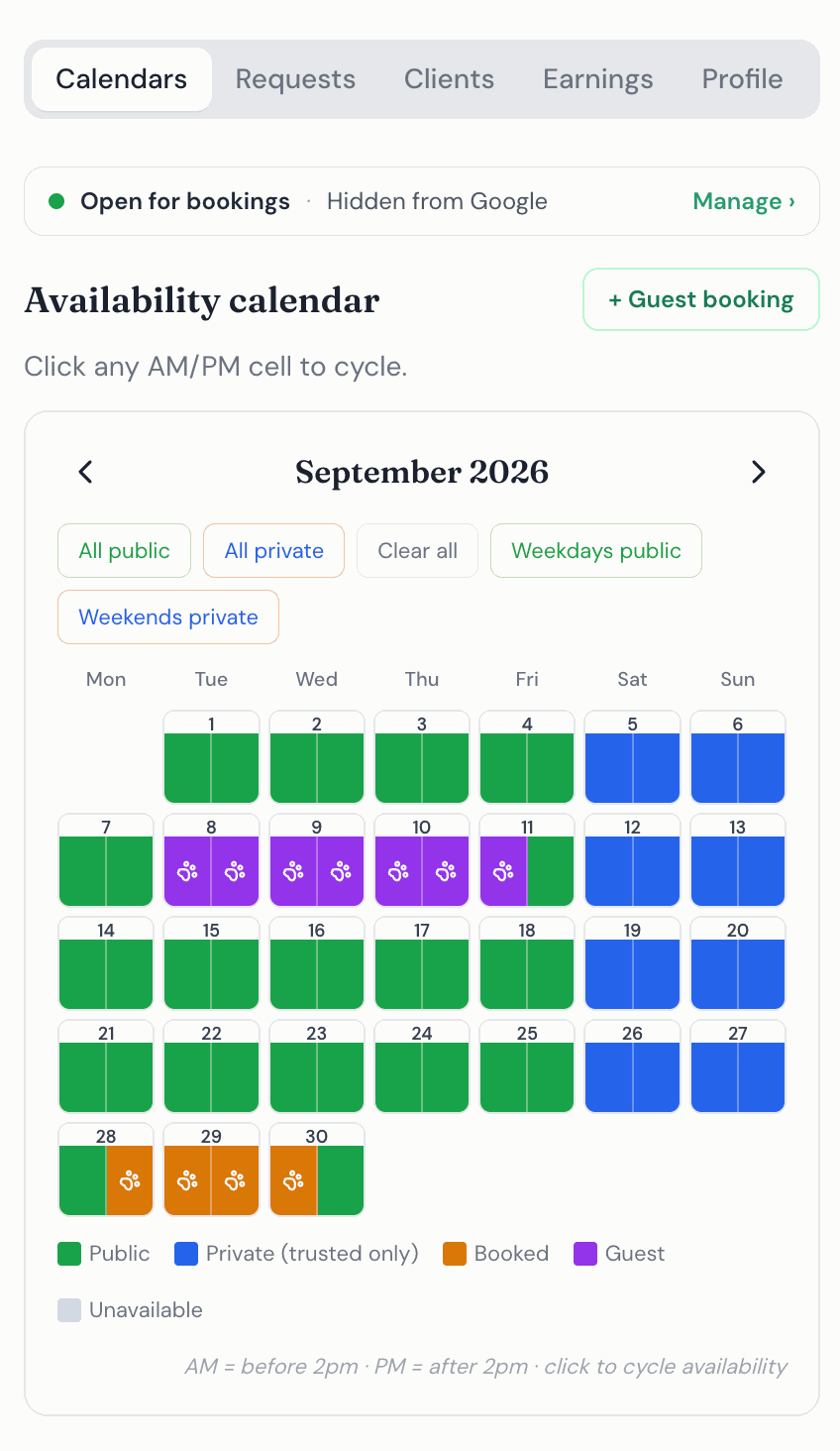
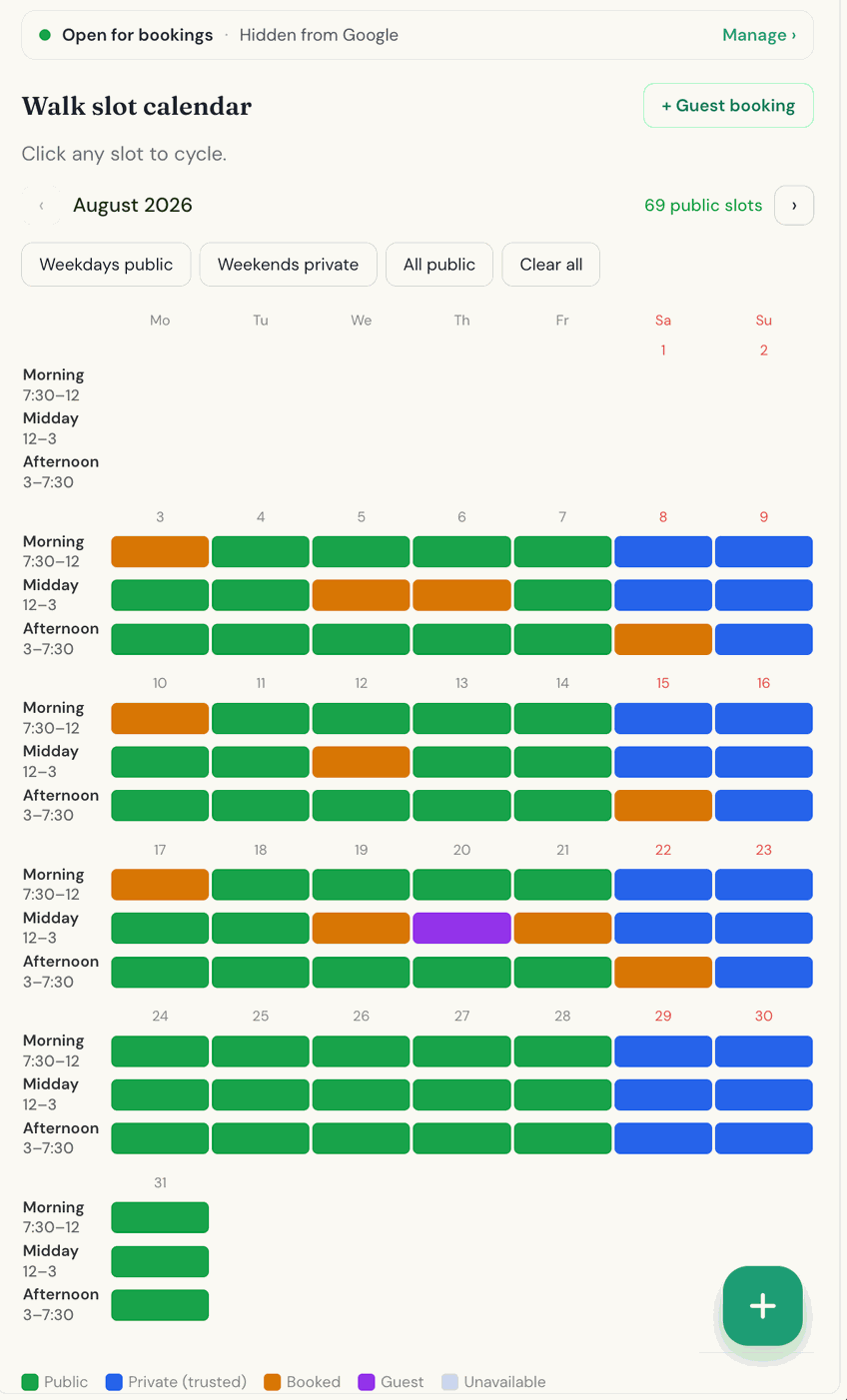
Your booking link shows your real availability. Clients see which dates are free, pick the dates they want and send you a booking request. You choose which dates anyone can book, and which are kept for your regulars only.
Share it with friends and clients
You have your own booking link, so you can post it on Facebook, Instagram or X (Twitter), or just email or text it to your existing clients and friends.
To get your link, complete your profile and then press “Create your booking link” on your dashboard.
Do you already have your own website?
We give you a short piece of code to paste into your existing website. It displays your live calendar there, so visitors can see your availability, pick their dates and send you a booking request without leaving your site.
Once you have created your booking link:
- Open the “Your Website” tab on your dashboard.
- Choose Boarding or Walking, then press “Copy embed code”.
- Paste it into an HTML block on your website.
It works with WordPress, Squarespace and Wix, or any site where you can paste HTML. Some website builders only allow pasted code on their paid plans. Bookings made through your website arrive in your Requests tab, just like any other booking.
Questions and answers
Do I need my own website to use a booking link?
No. Your booking link works on its own, so you can share it by email, text or social media. The embed code is only for people who already have a website.
Does the calendar on my website update by itself?
Yes. It shows your real availability, so when you change your calendar the change shows on your website.
Can I choose who sees my available dates?
Yes. Dates can be open to anyone, or kept for your approved regulars only.